 Stylor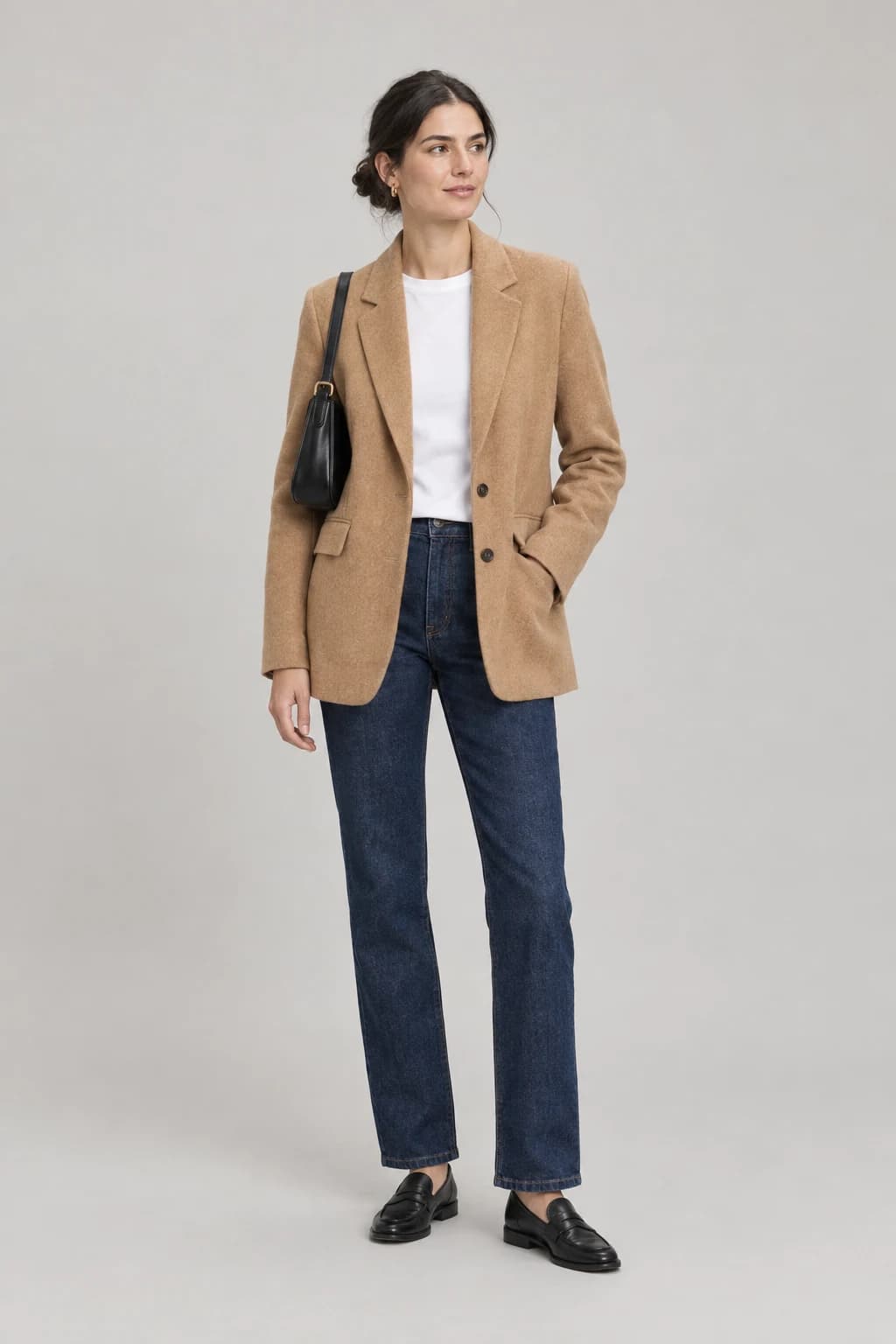
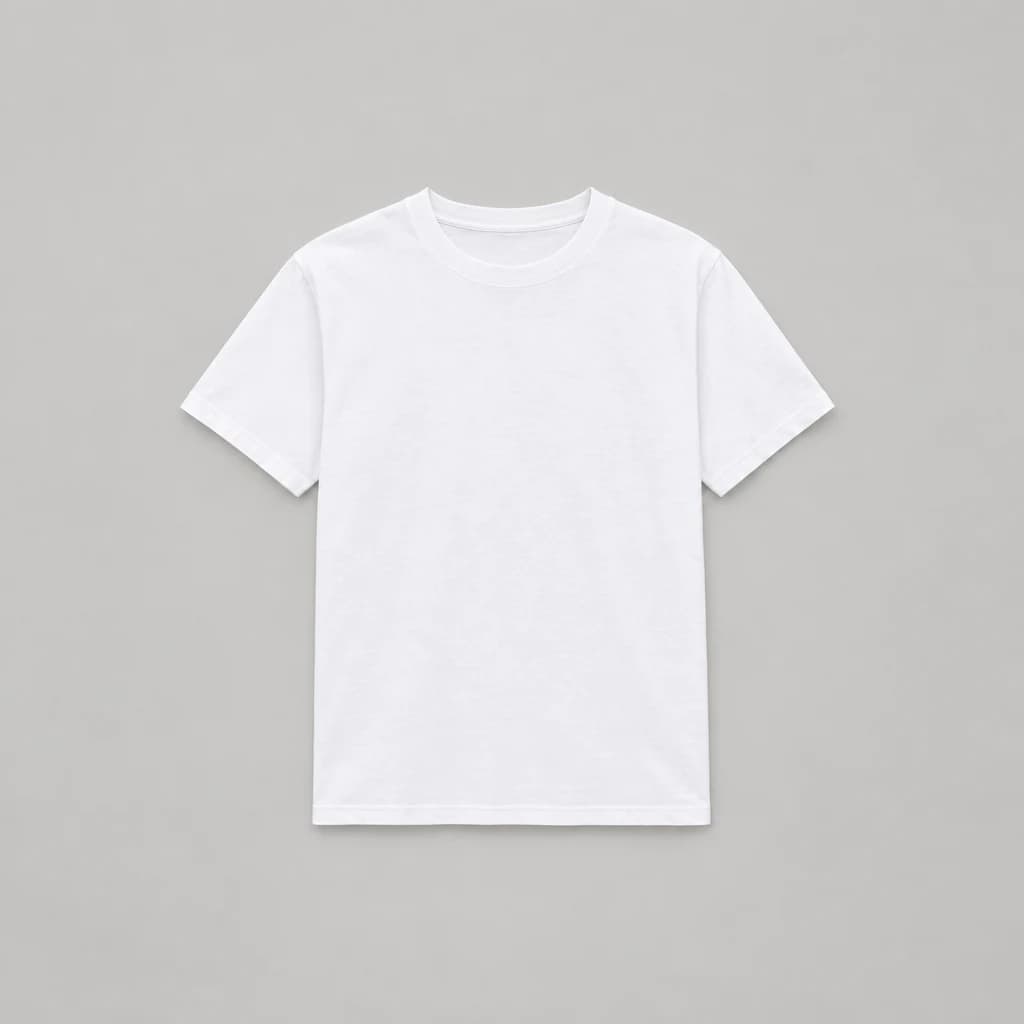
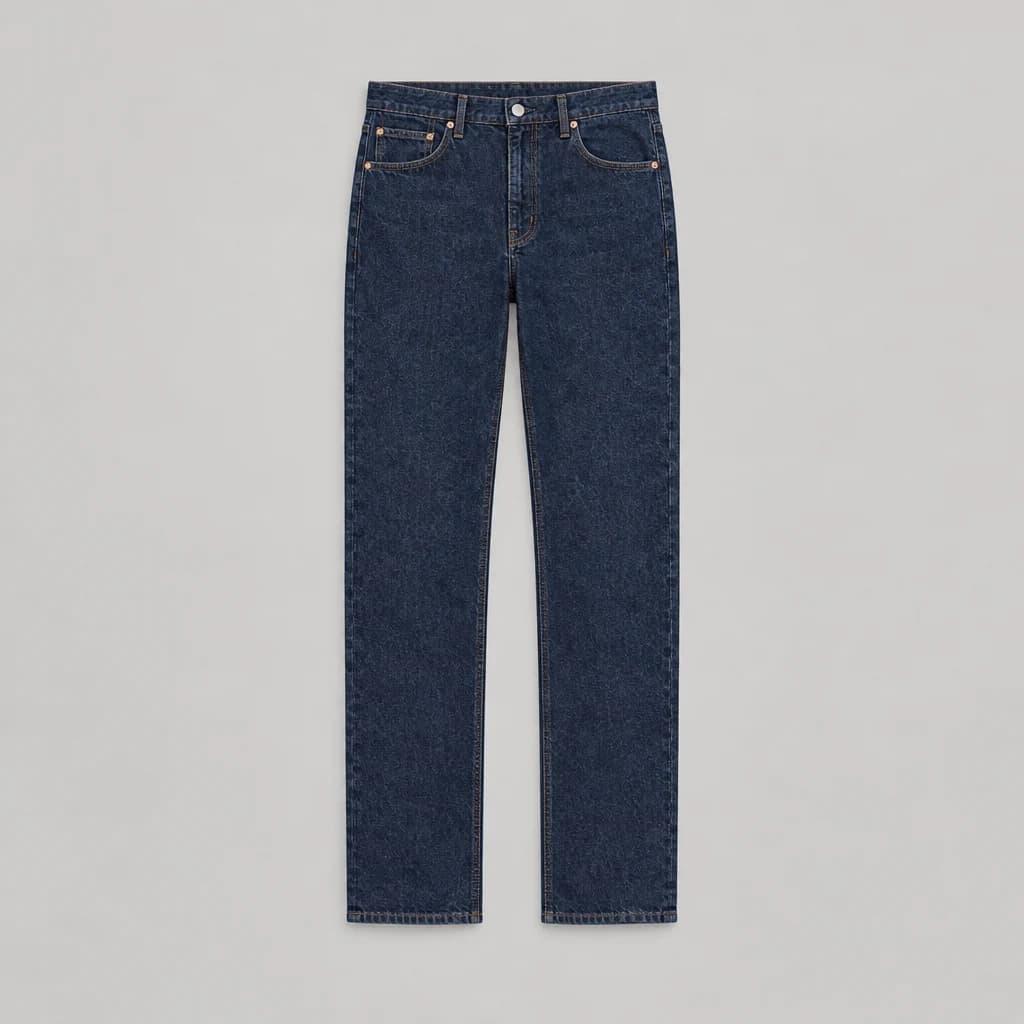
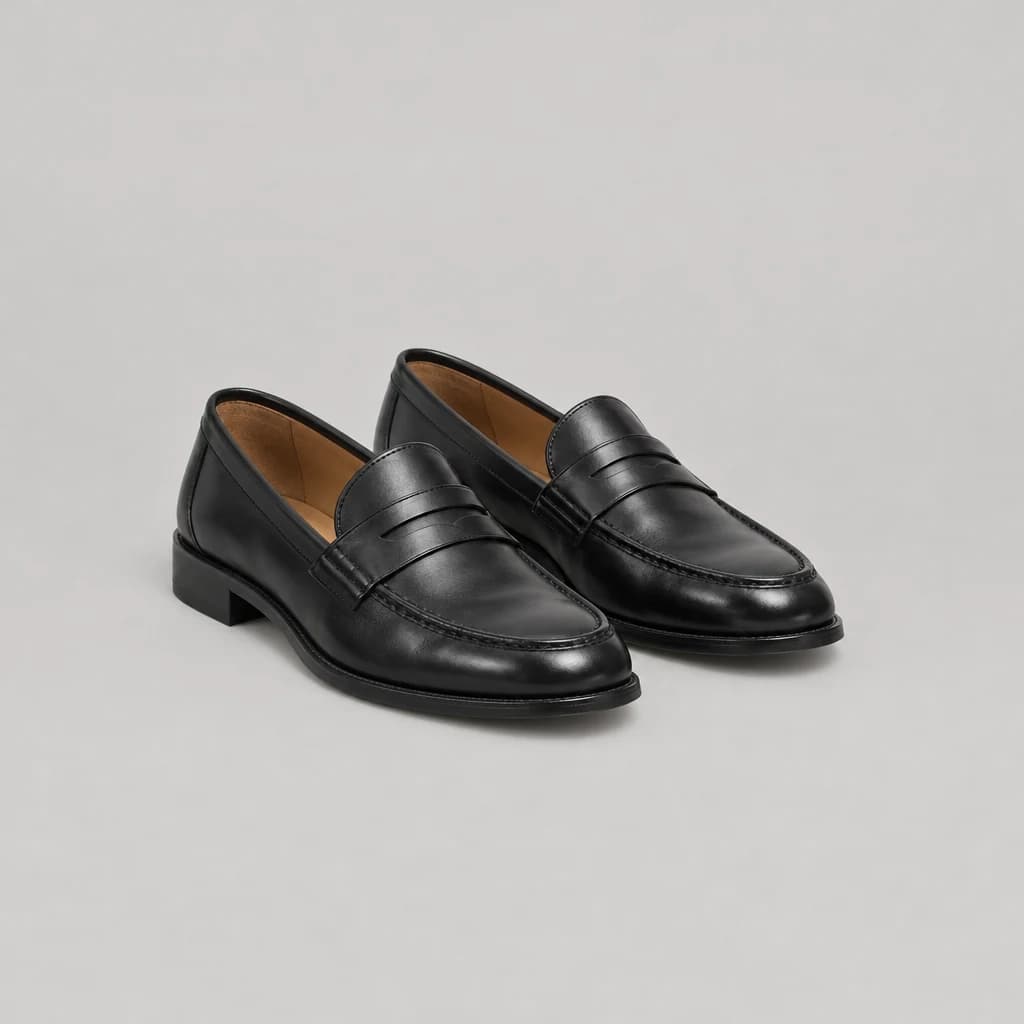
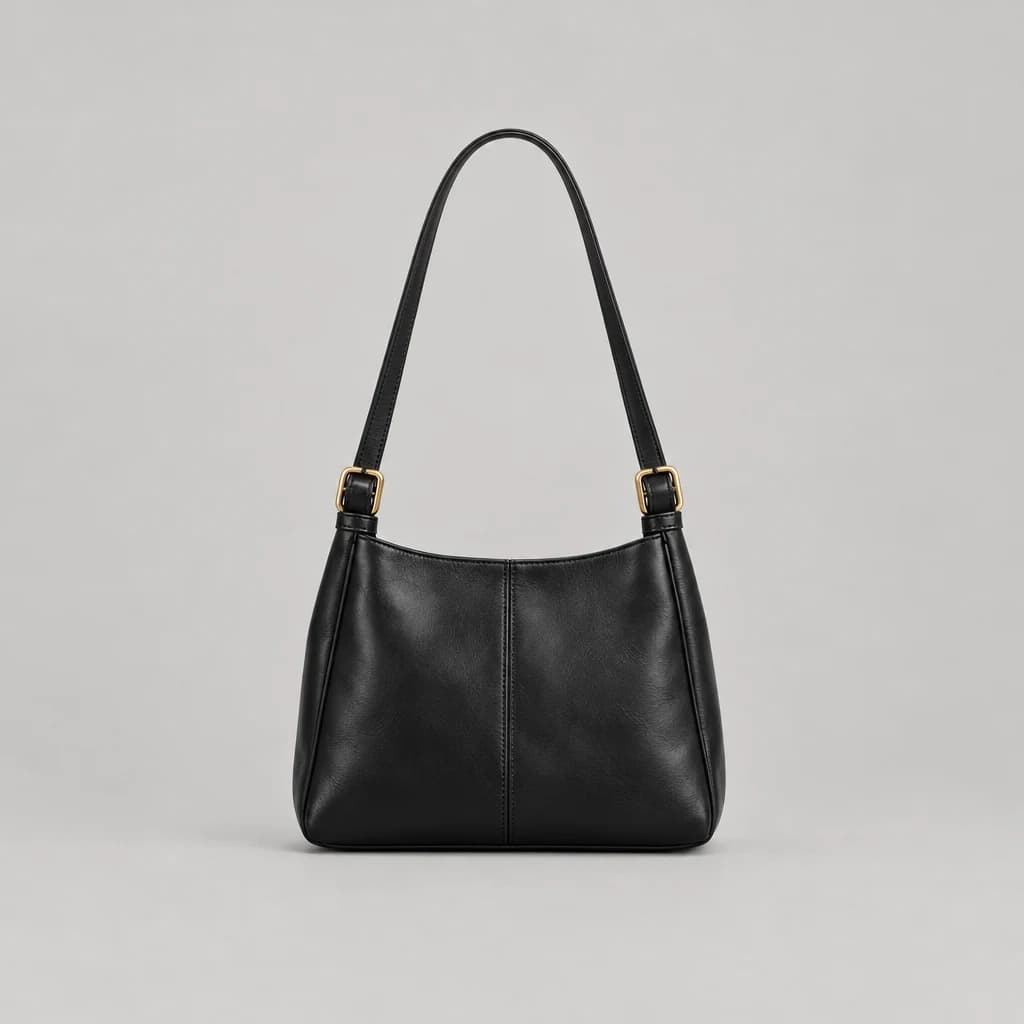
From your photo to the rest of the look
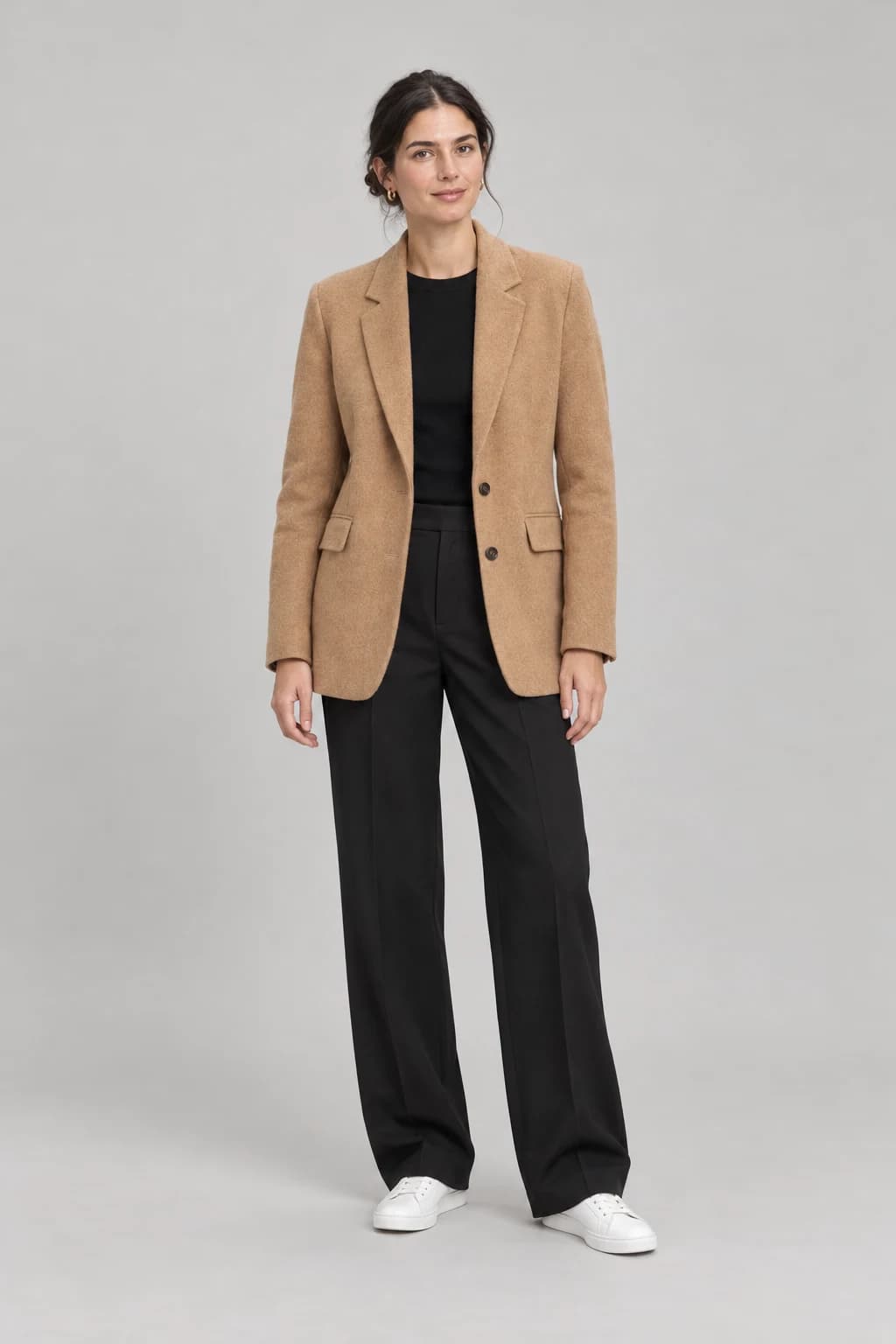
Shoppers want to know what goes with it
45%
have bought something without knowing what to wear it with.
ASOS and Attest survey of 1,952 UK shoppers, 202655%
have bought additional items to complete a look.
ASOS and Attest survey of 1,952 UK shoppers, 2026+3.24%
more products bought when a fashion platform with 28 million active customers tested complementary recommendations.
Wu et al., Zalando, A/B test, ACM RecSys fashion workshop, 2019
Or ask what goes with it
In the chat, the stylist builds whole looks around the product, ready for the cart.
See the virtual stylist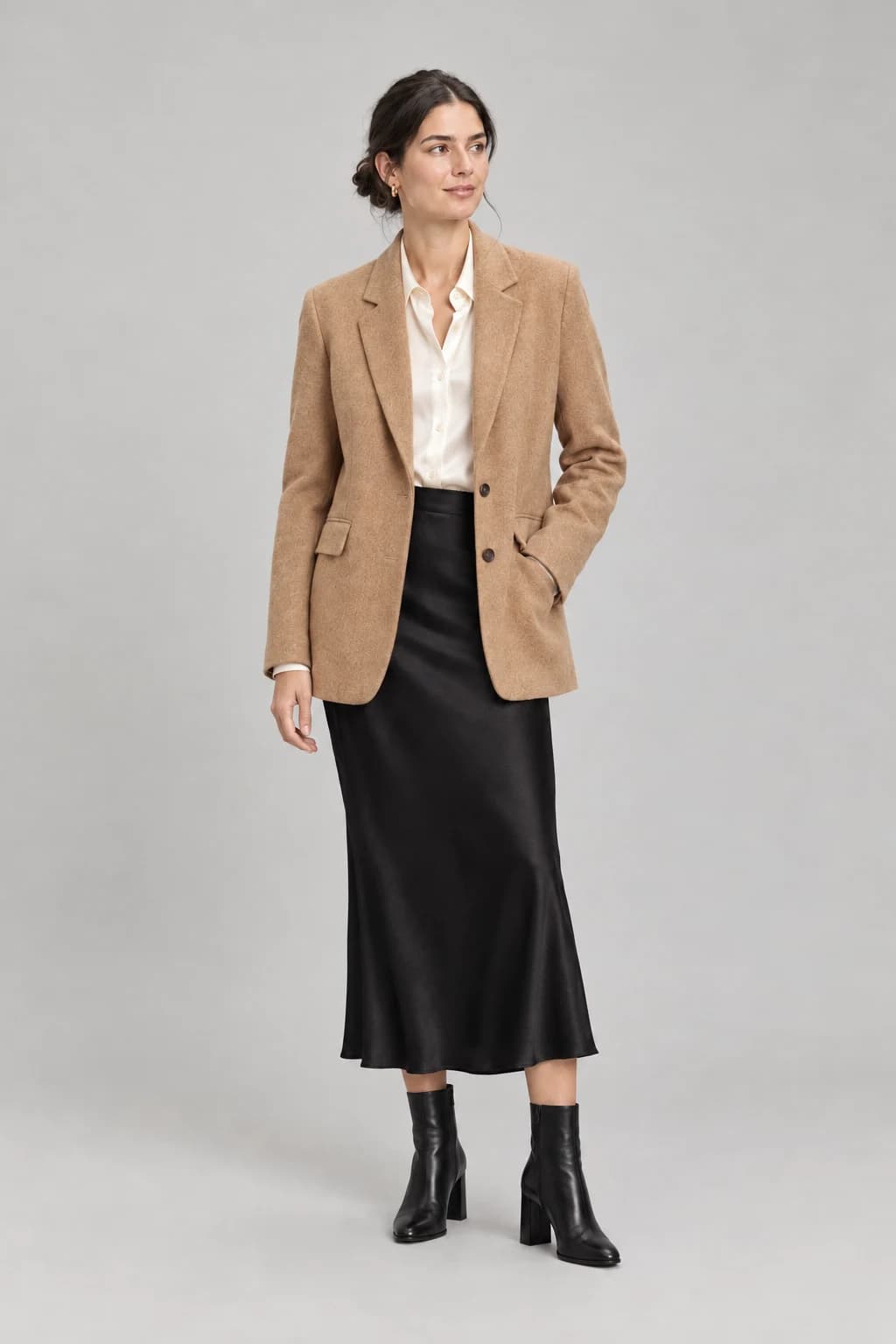
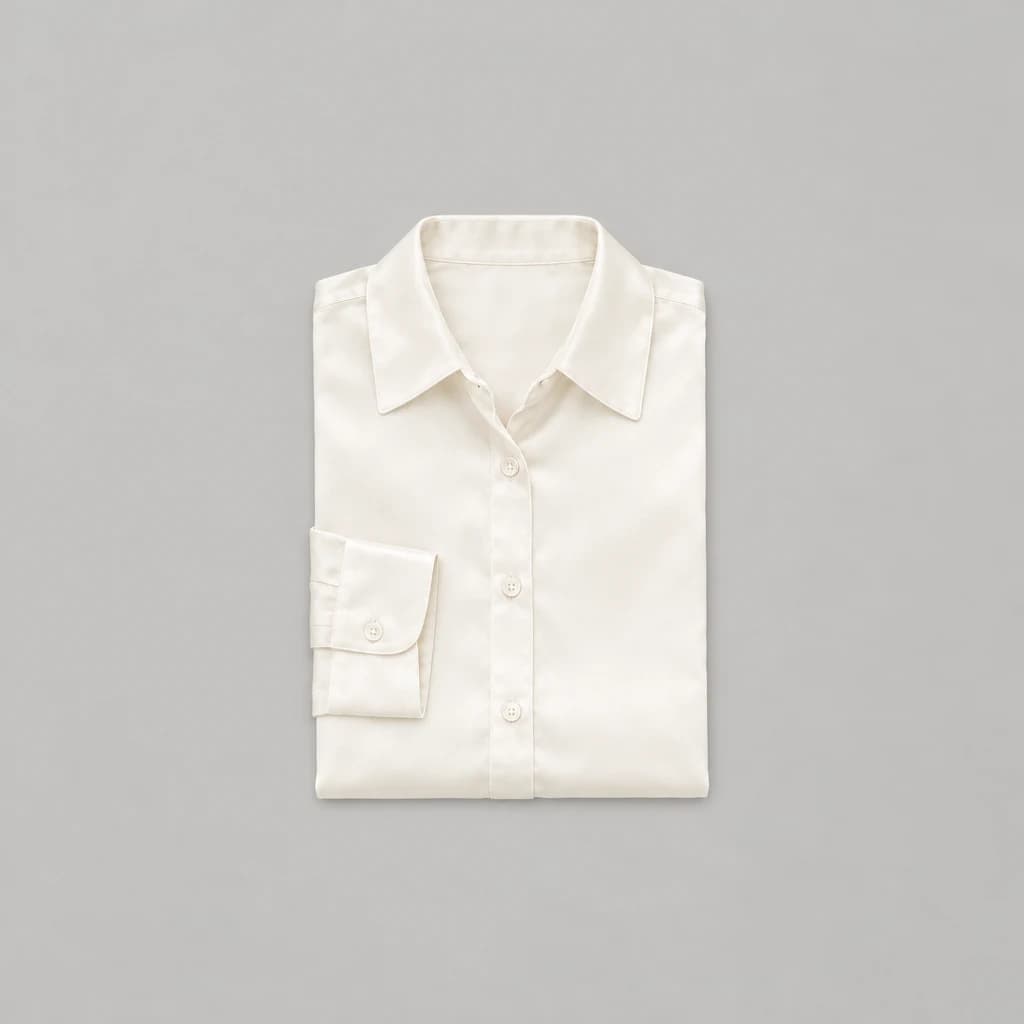
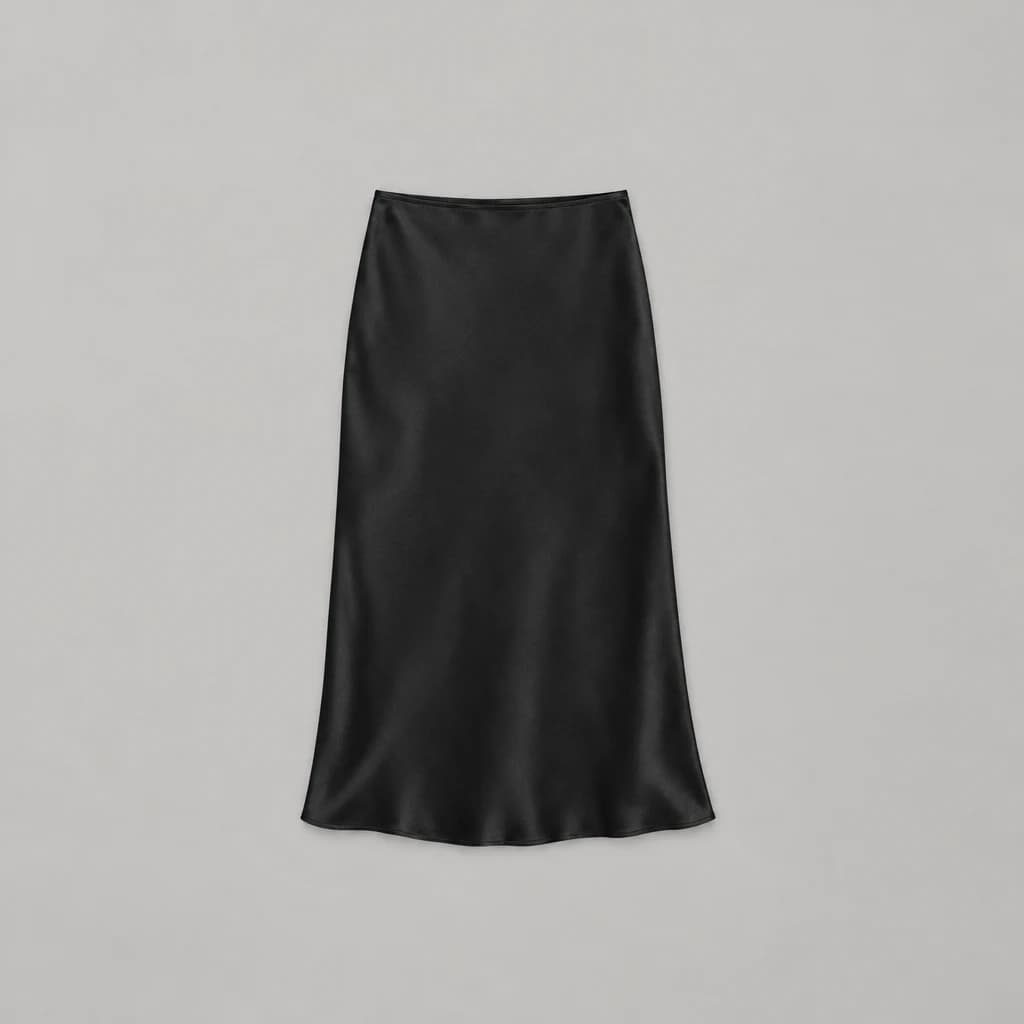
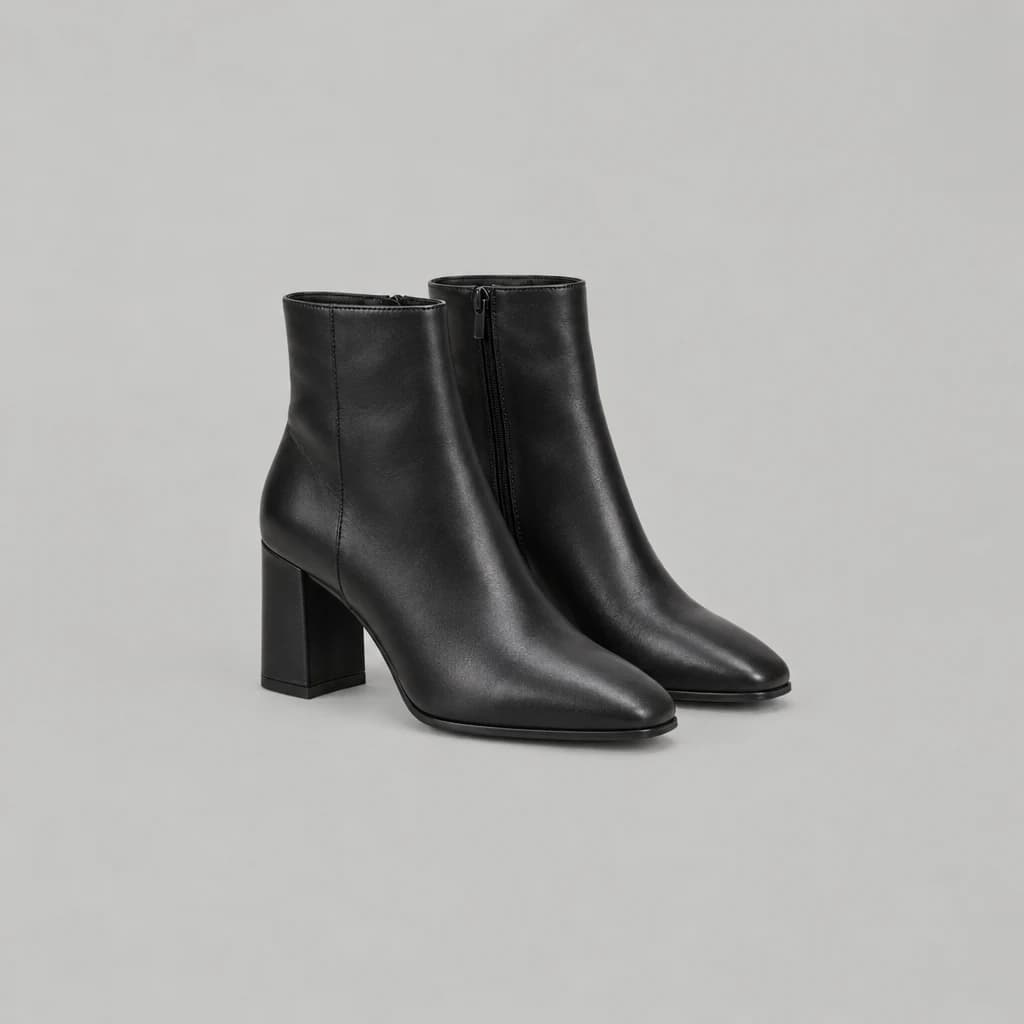
On your product pages
One script in your theme. It finds its own place.
Closest to the decision. Recommended.
Shows only on products with a photo of someone wearing them.
Questions
- What is complete the look on a product page?
- A short list under the buy button of the rest of the outfit the model is wearing in your product photo. Each piece comes from your own catalog and links to its product page.
- How does Stylor know what goes with a product?
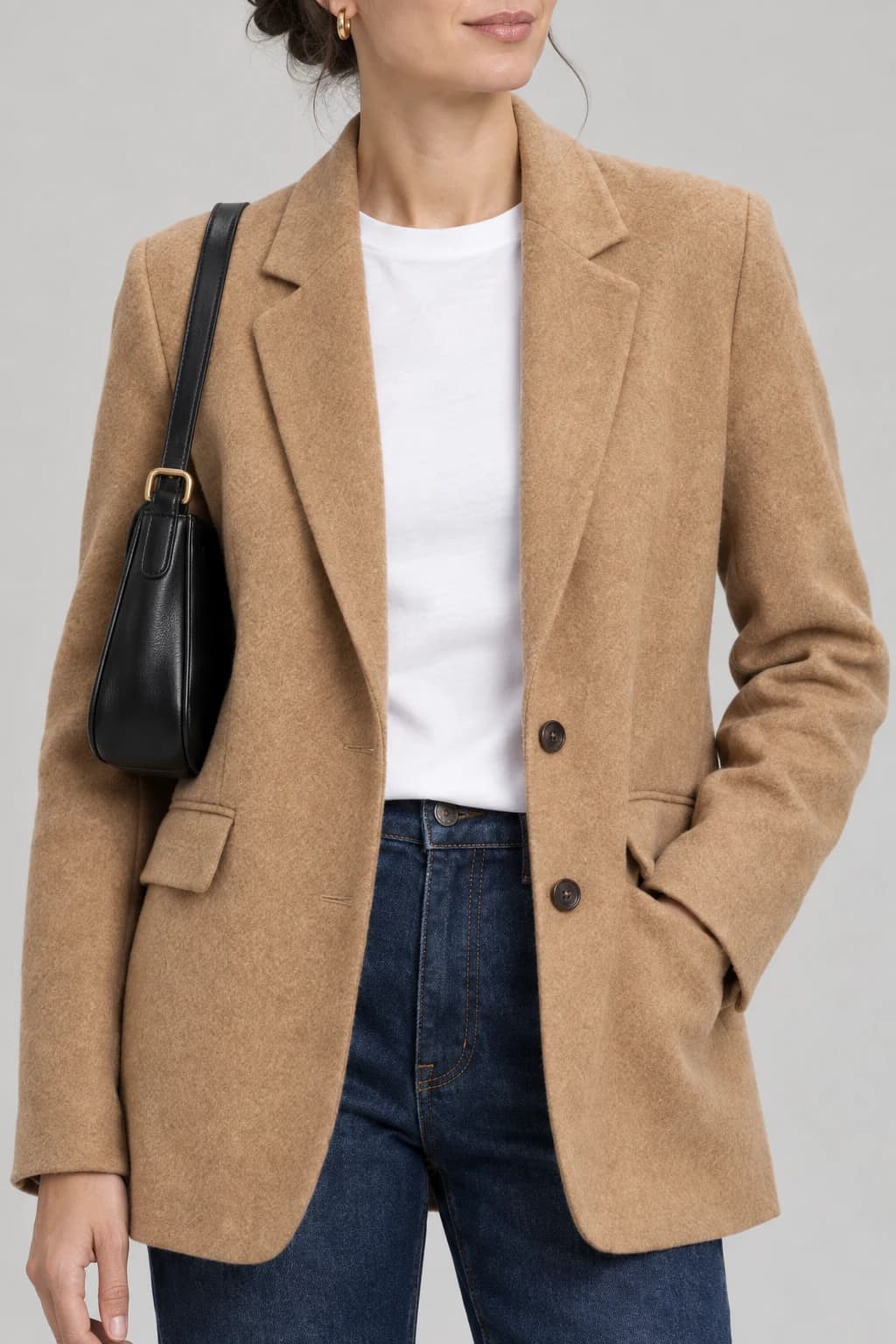
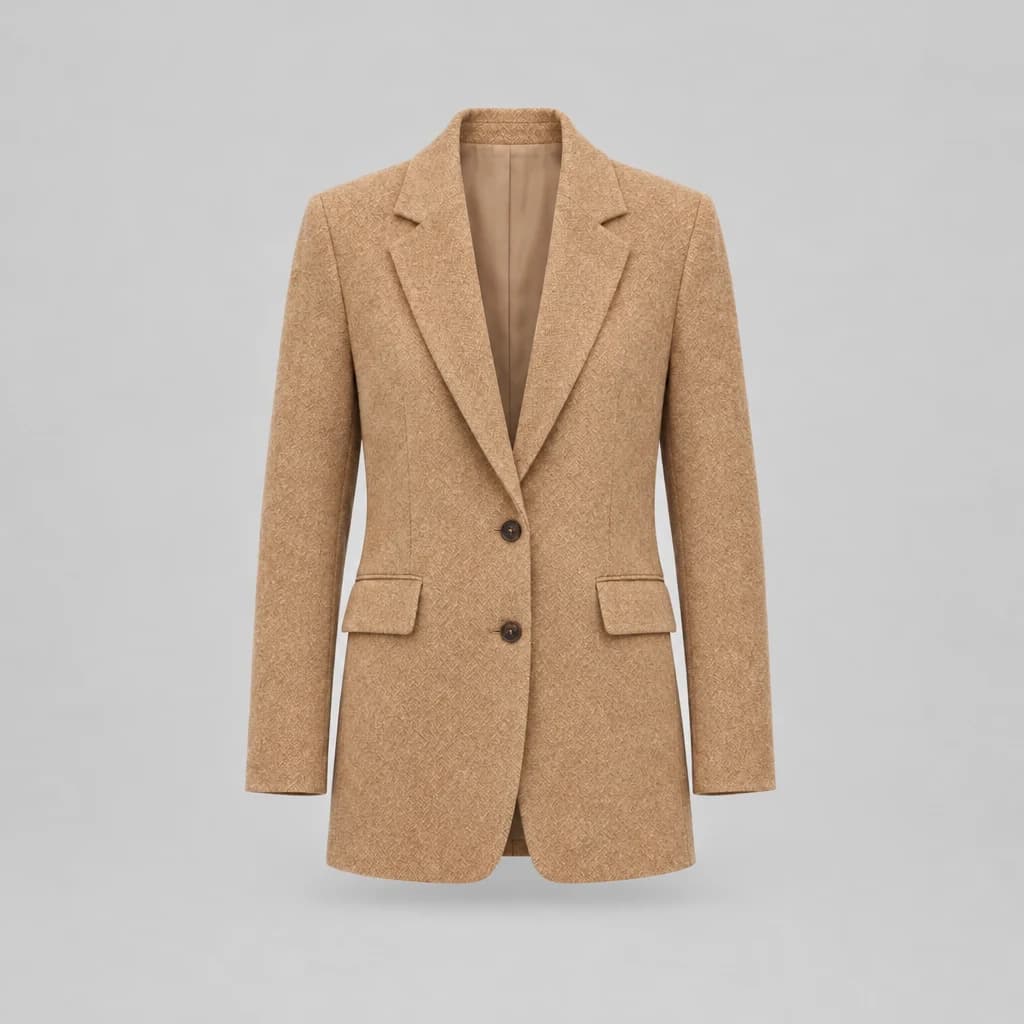
- It reads the product’s own model photo, finds each piece the model is wearing, and matches it to your catalog: the same piece, or the closest one you sell.
- Do I have to set it up on every product?
- No. You add one script to your theme and it finds its own place on the page, under the buy button or below the product. It only shows on products with a photo of someone wearing them.
- Can shoppers ask for more ideas?
- Yes. In the Stylor chat, a shopper on a product page can ask “What goes with this?” and get complete looks built around that piece, pictured on a model.