 Stylor

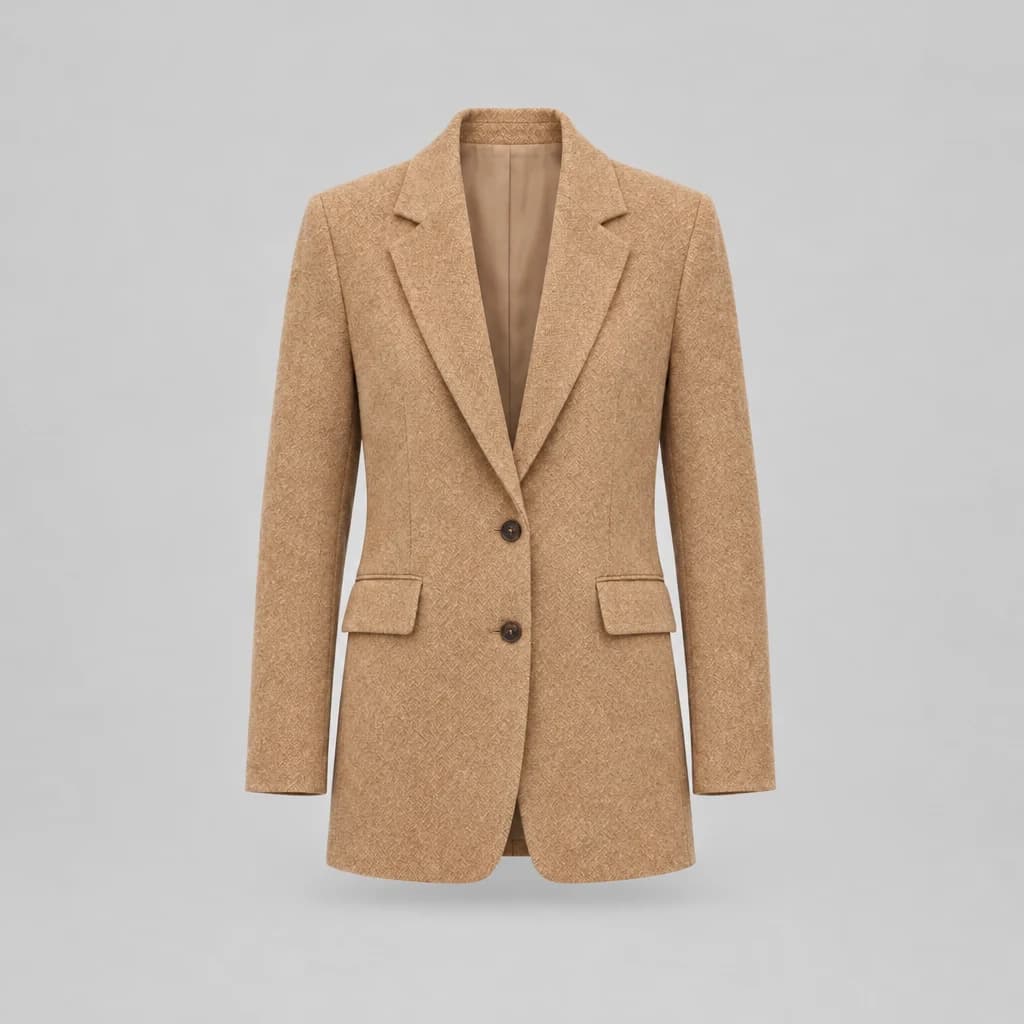
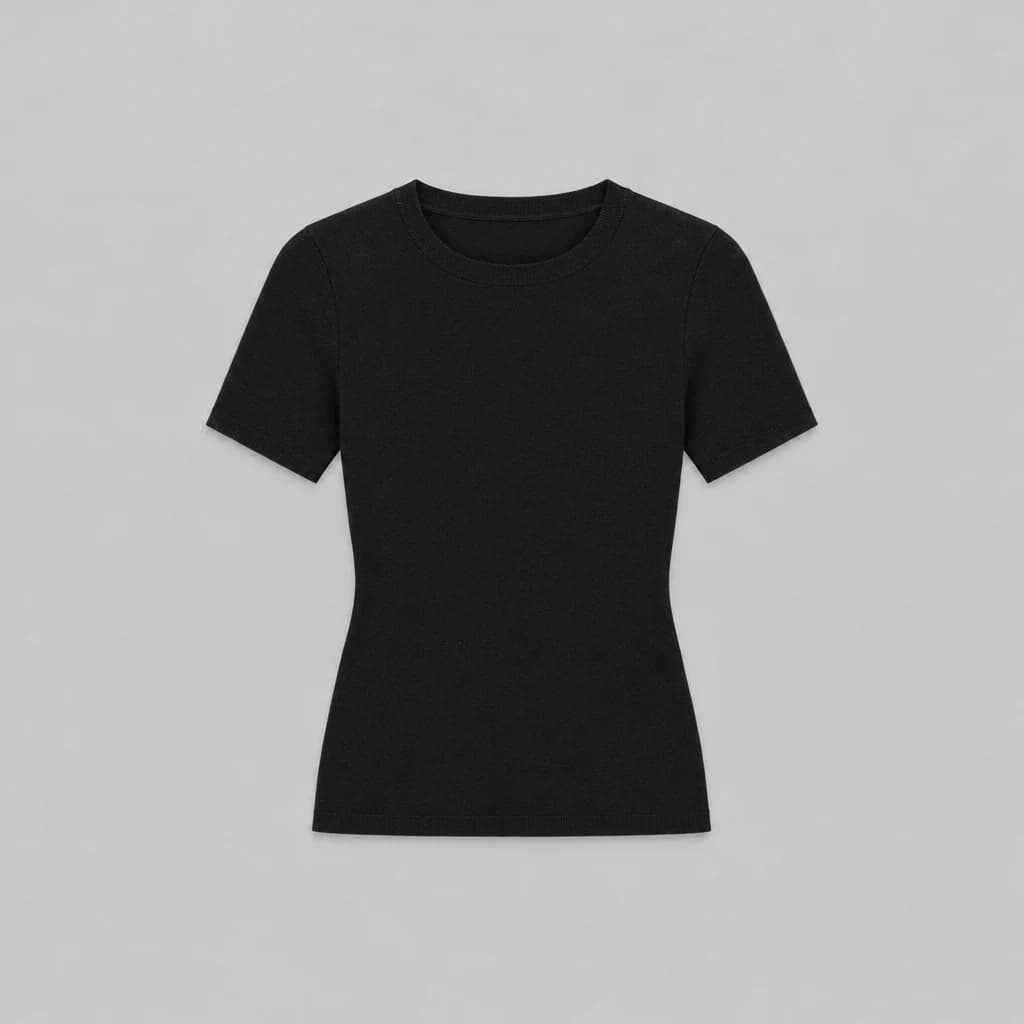
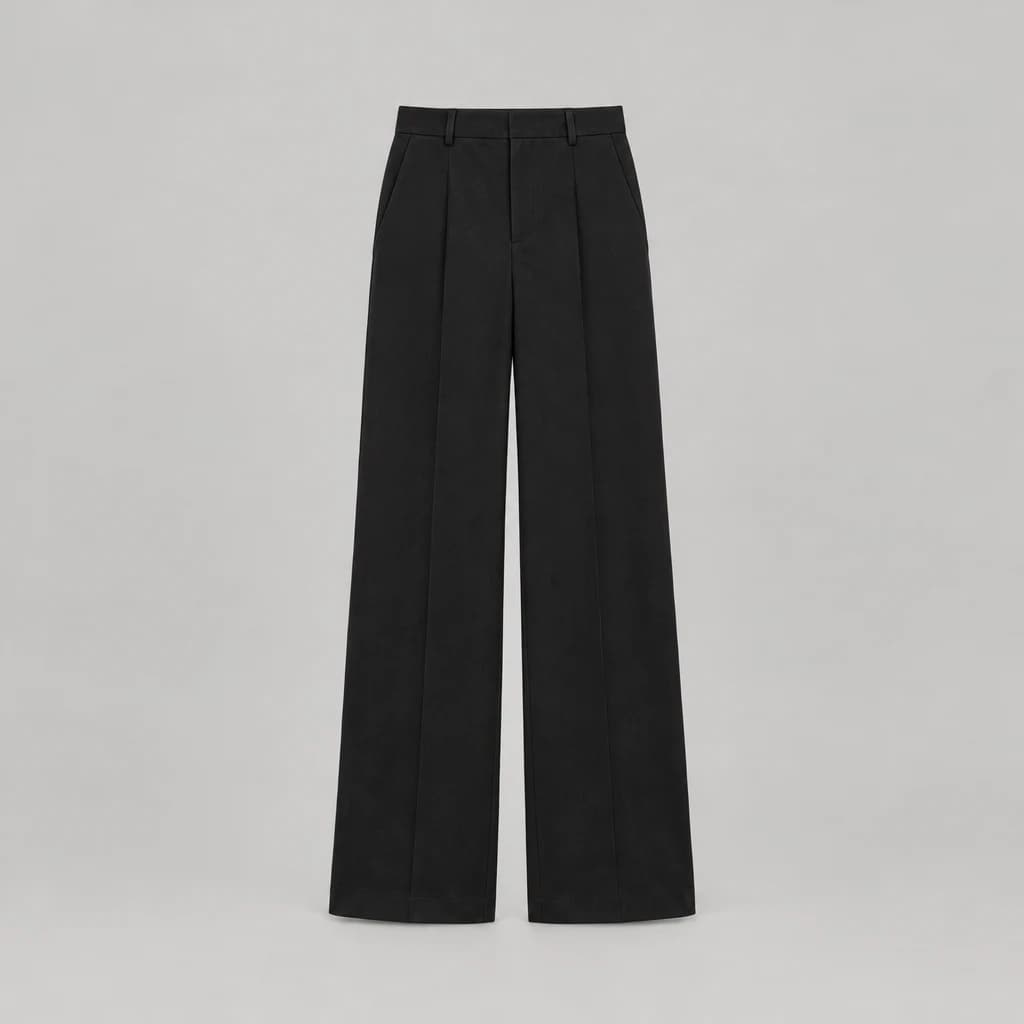
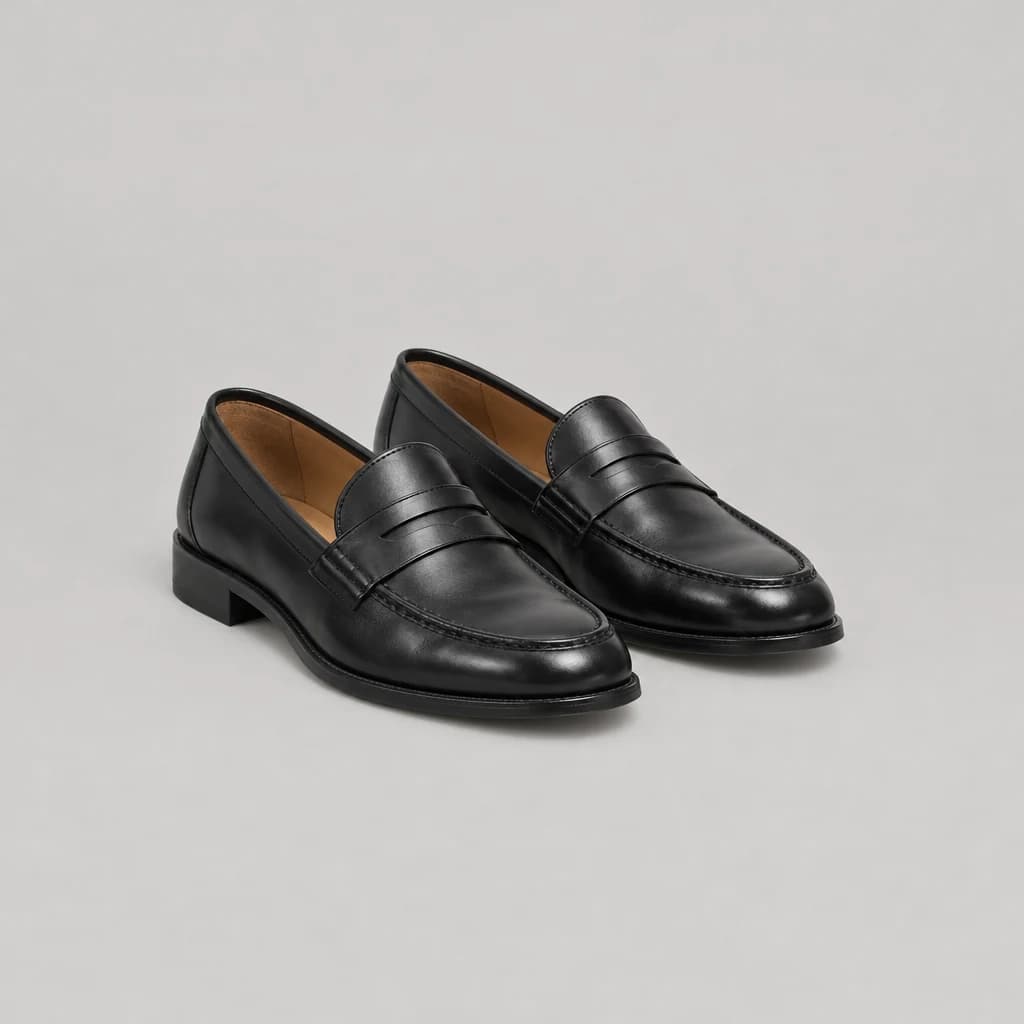
One photo, then every look on them
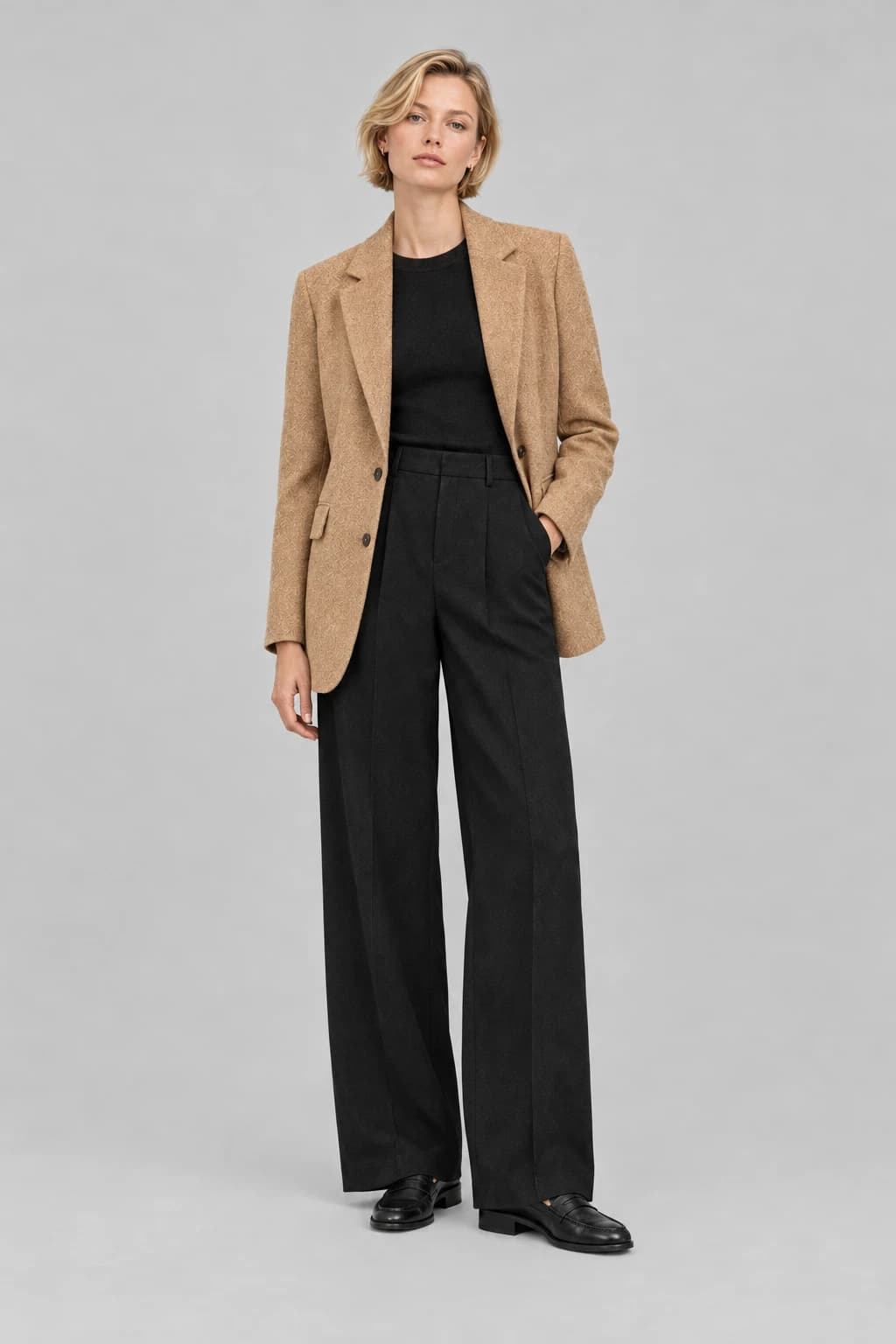
A model photo only shows the model
42%
of online shoppers don’t feel represented by images of models.
Google/Ipsos survey, 1,614 US adults who shop for clothing online, April 202359%
feel dissatisfied with an item they shopped for online because it looked different on them than expected.
Google/Ipsos survey, 1,614 US adults who shop for clothing online, April 2023
The whole look, on them
Every piece goes on together. One switch flips back to your model.
The look as the chat first draws it, on a model.
Questions
- How does virtual try-on work in Stylor?
- On any look in the Stylor chat, the shopper taps “See it on you” and adds one head-to-toe photo. Stylor shows the whole look on their own photo: same face, pose and room, only the clothes change.
- Is the shopper’s photo stored?
- No. The photo stays in the shopper’s own browser on their device, and Stylor saves neither the photo nor the picture it makes. An unused photo is forgotten after 30 days.
- What makes a good photo?
- One person, head to toe, with the face in view. The photo is checked as it is added, and a guided camera can help shoppers take one.
- Can I turn it off?
- Yes. “See it on you” is on by default and can be switched off for your store.